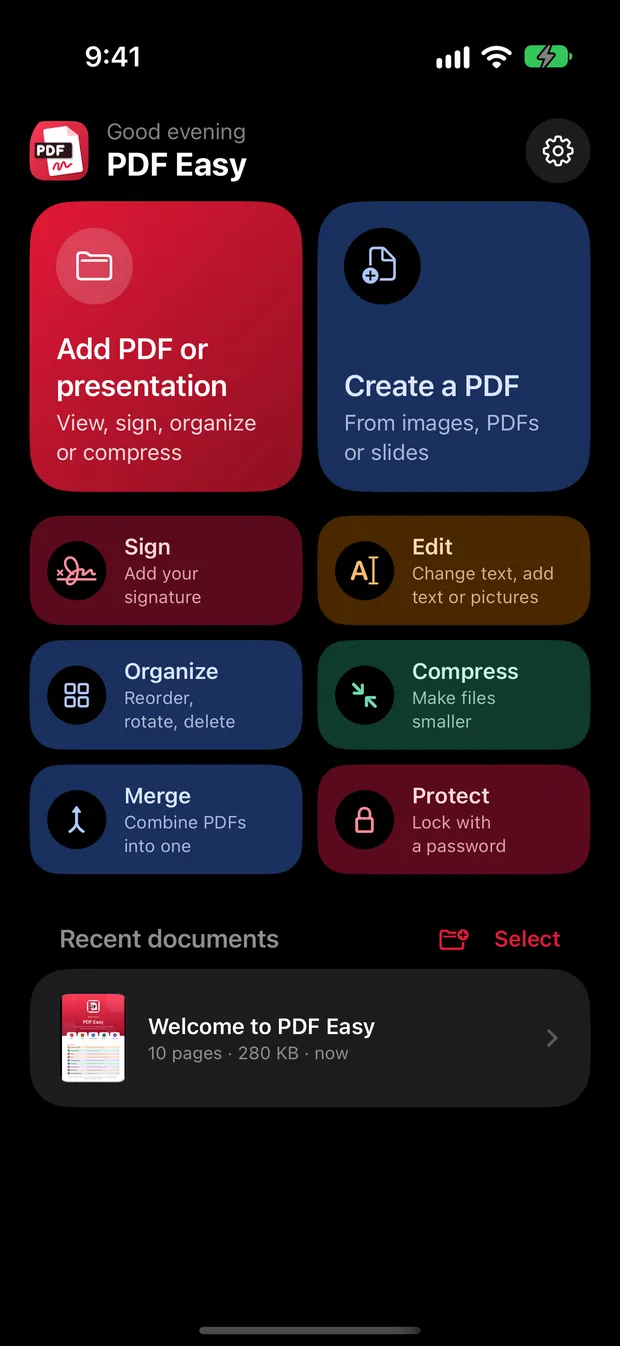
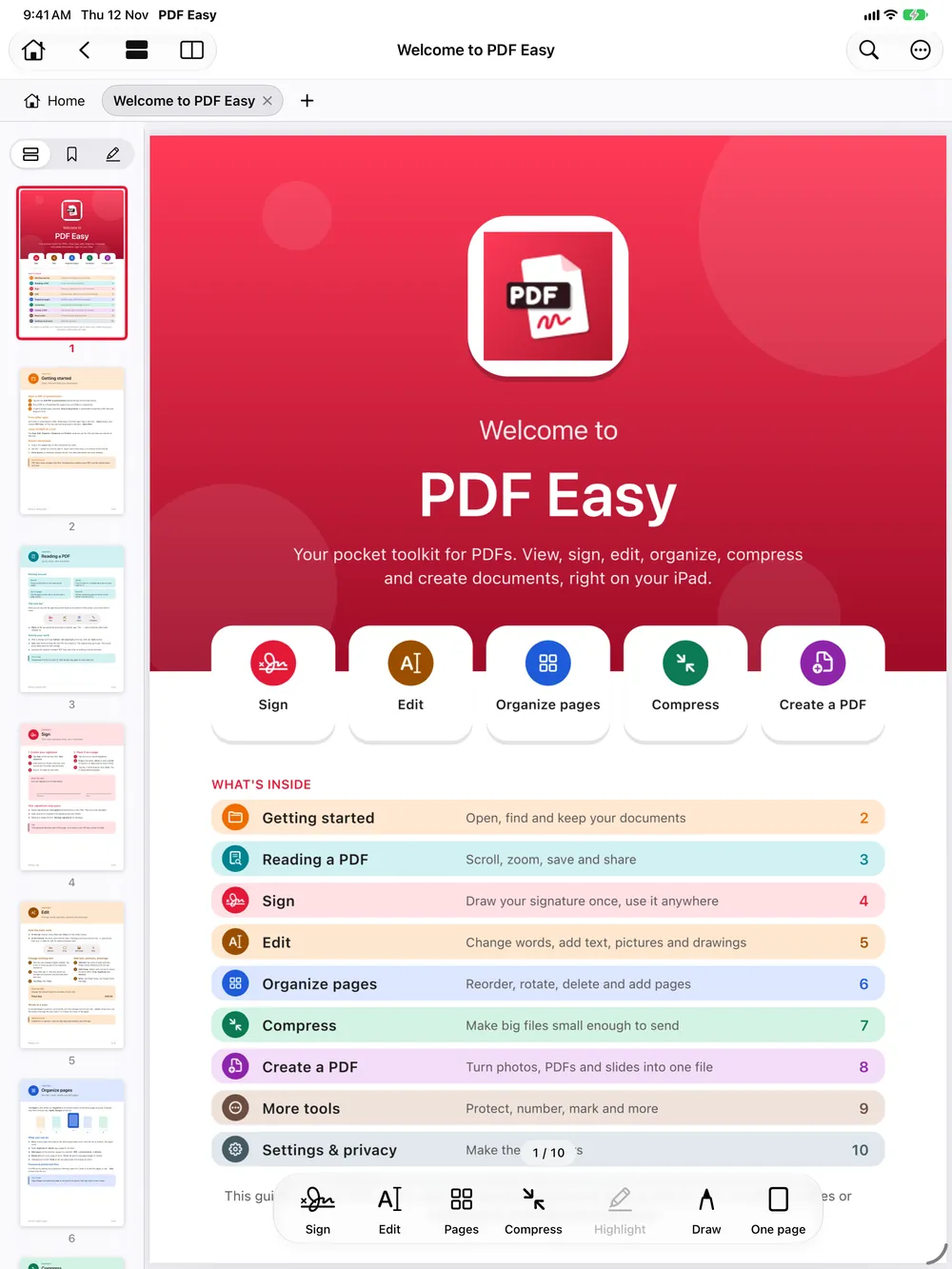
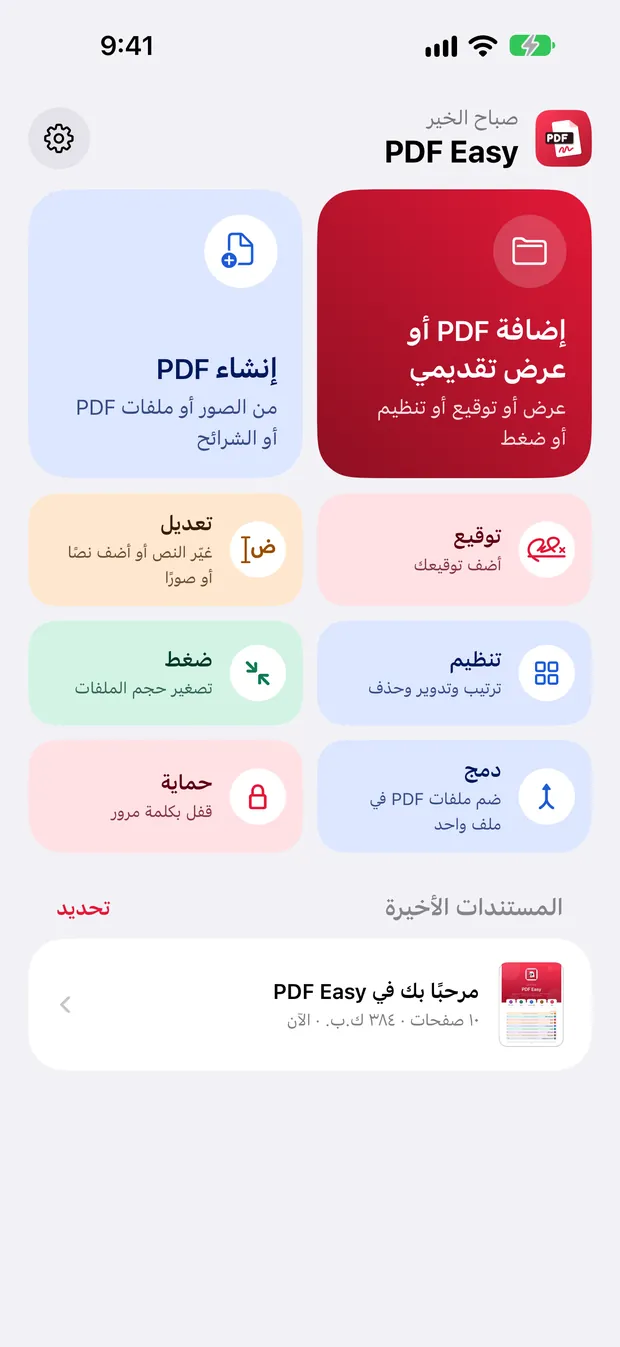
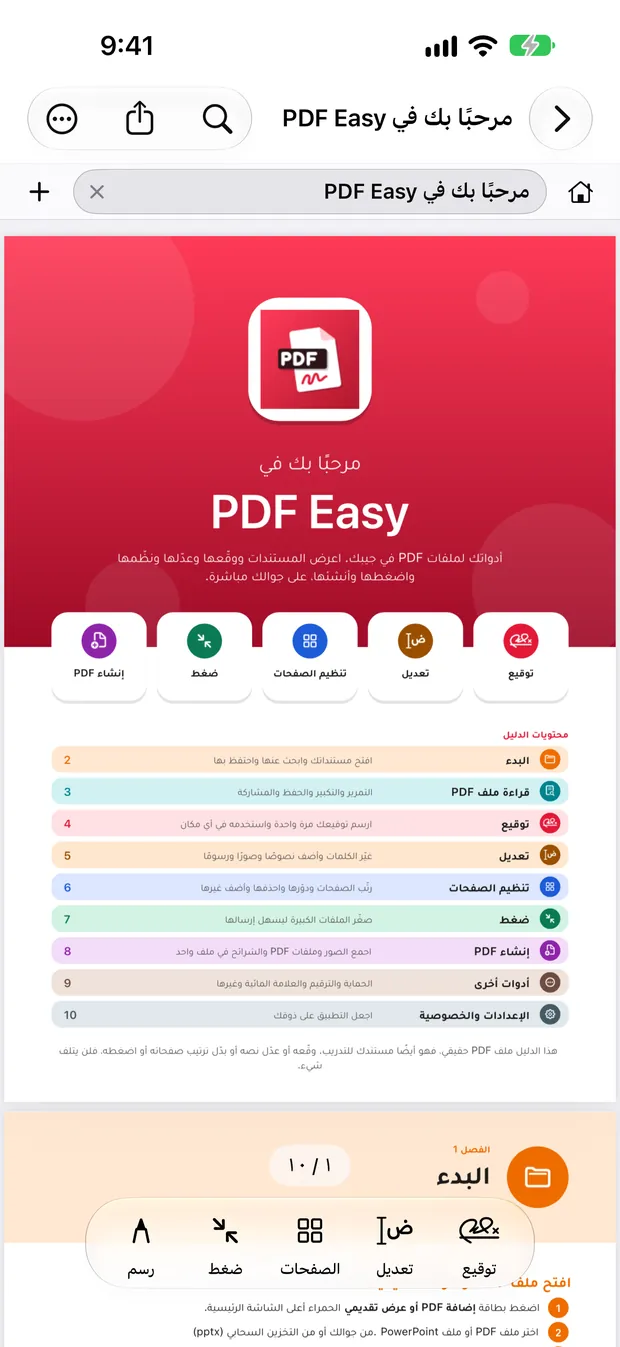
Free on iPhone, iPad and Android

Every PDF tool.
Zero ads. Totally free.

Read, highlight, sign, fill, edit, merge and convert your PDFs right on your device. No account, no uploads, no subscription.

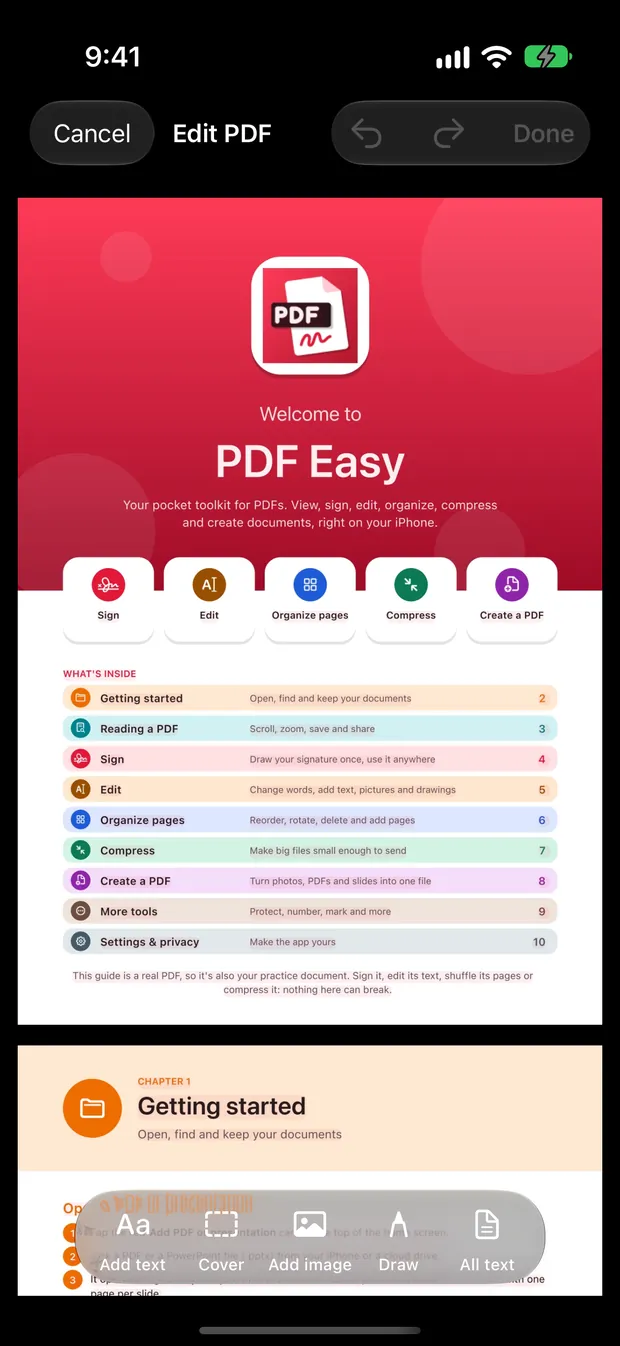
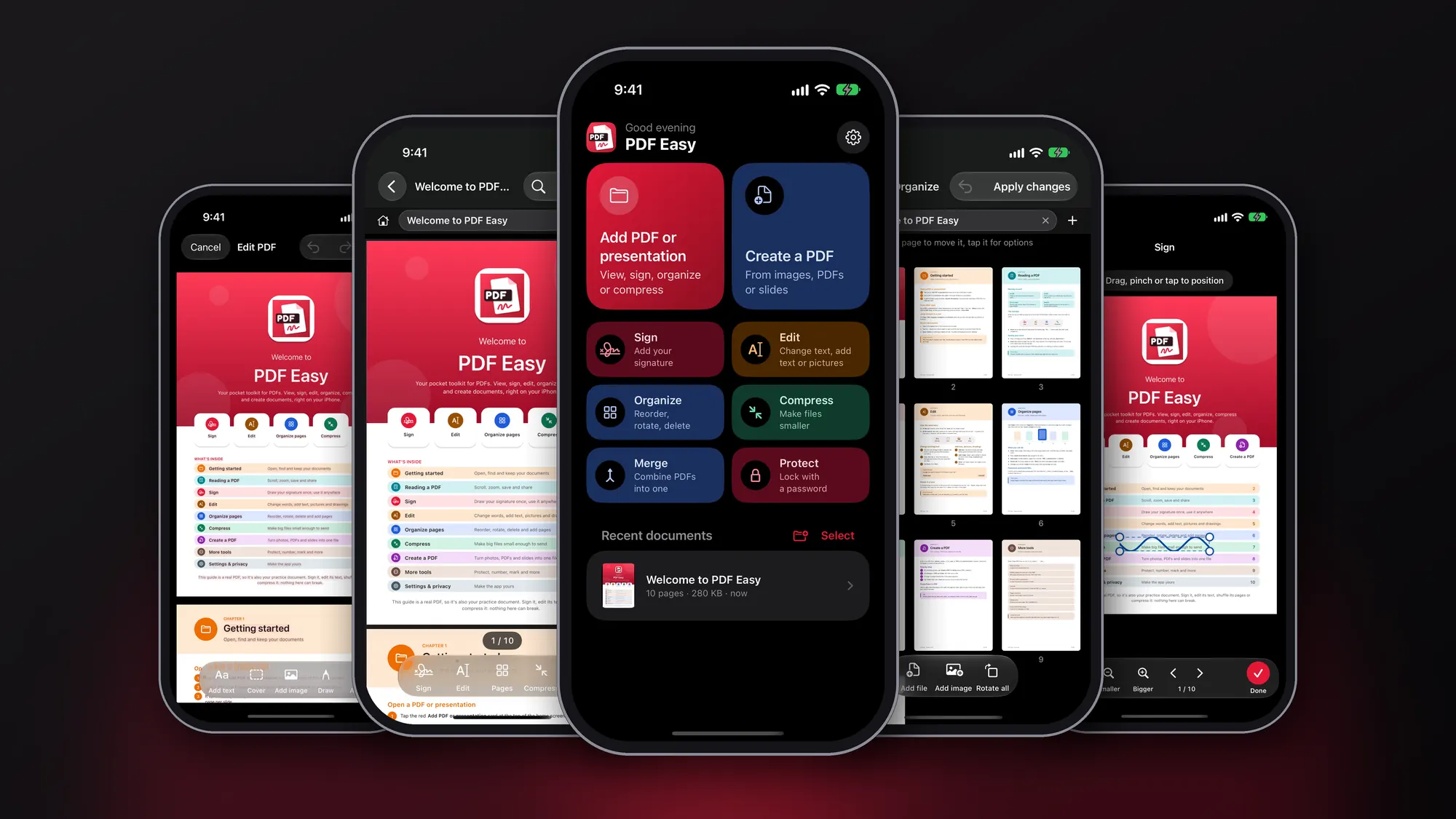
PDF Easy screen
Freeevery feature, forever
Privateyour files stay on your device
Fastworks offline, opens instantly
14languages

Why people switch to PDF Easy

Private by design

Your documents never leave your device. No account, no cloud, nothing tracked.

Lightning fast

Everything runs on your device, so files open instantly, with no waiting on a server.

Works offline

On a plane, in a lecture hall or anywhere without signal, every tool still works.

Free. Really.

Every feature is free: no subscription, no in-app purchases, no watermark.

No ads

Nothing gets between you and your work. Not now, not later.

Speaks your language

14 languages, with full right-to-left support for Arabic and Urdu.

Your files never leave your device. No account. No cloud. No tracking. Just you and your documents.

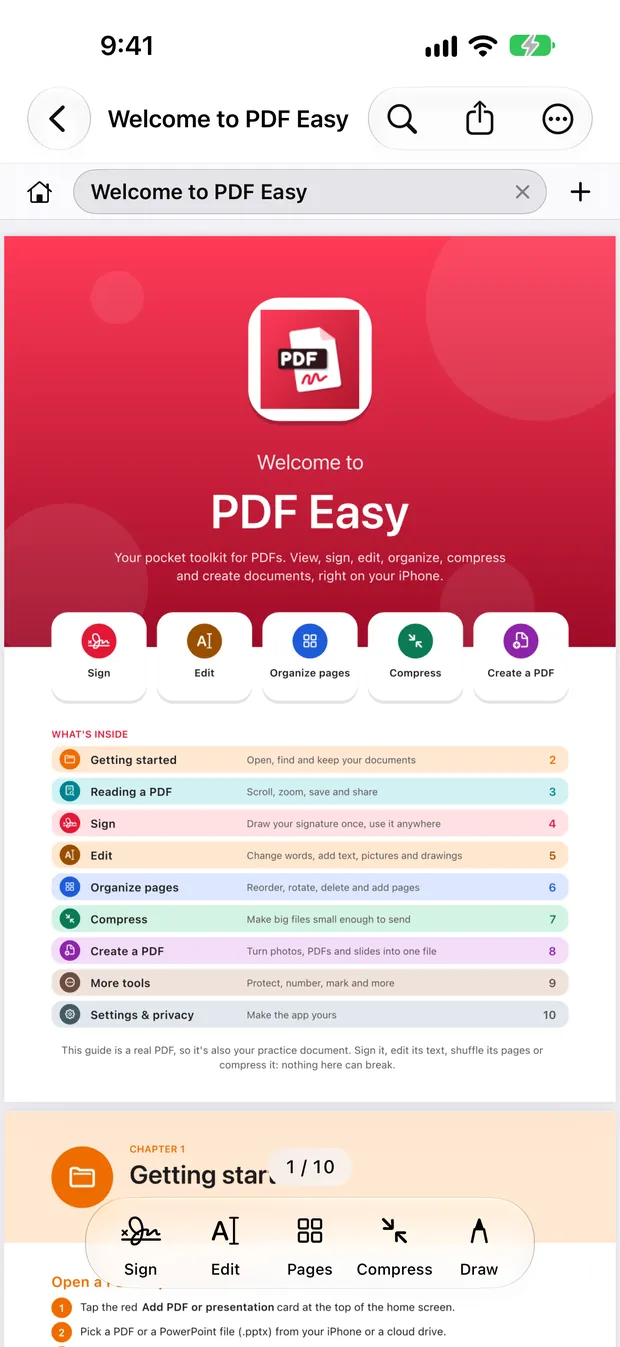
Read

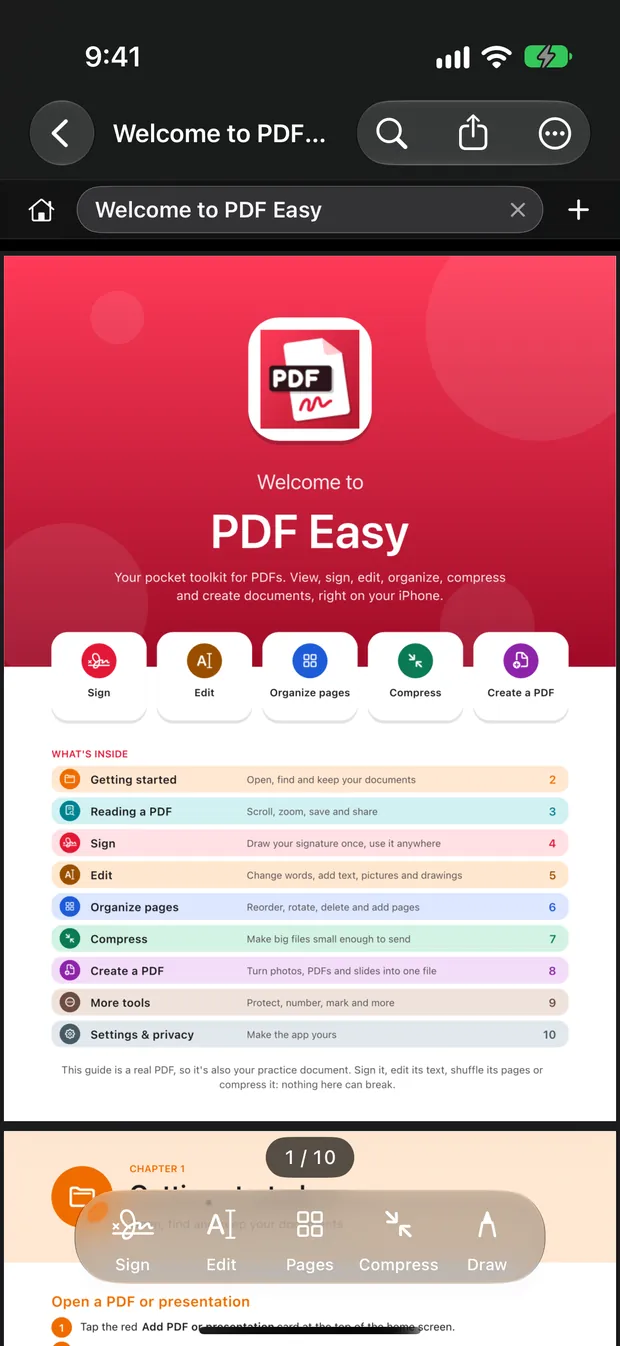
Reading that feels effortless

Open several documents in tabs and jump around with thumbnails, contents and bookmarks.

  • Night reading with dark pages, photos kept as they are
  • Highlight in five colours, underline and add notes
  • Search inside every document from Home
  • Scanned pages become text you can highlight and copy
Reading that feels effortless
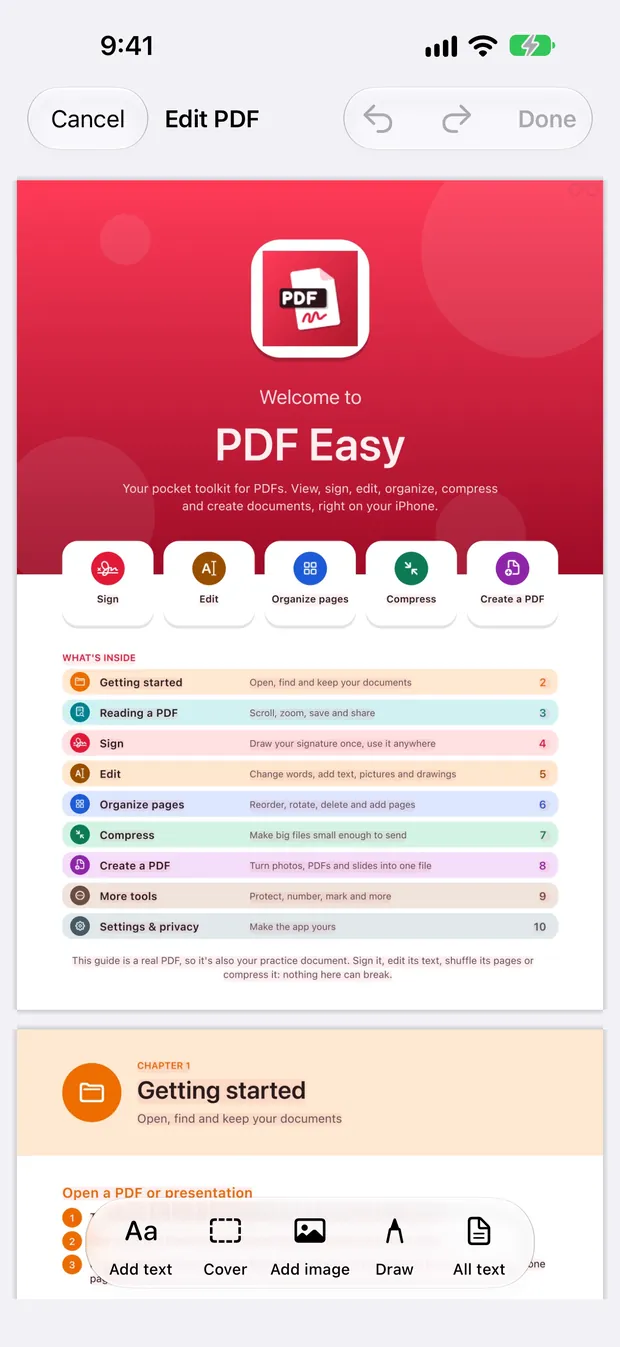
Edit

Fix it right on the page

Change the text that's already there: a typo, a name, a date or an amount. No retyping the whole document.

  • Add text, pictures and covers
  • Move, resize or replace the page's own pictures
  • Draw with Apple Pencil or your finger
  • Your original file is never changed
Fix it right on the page
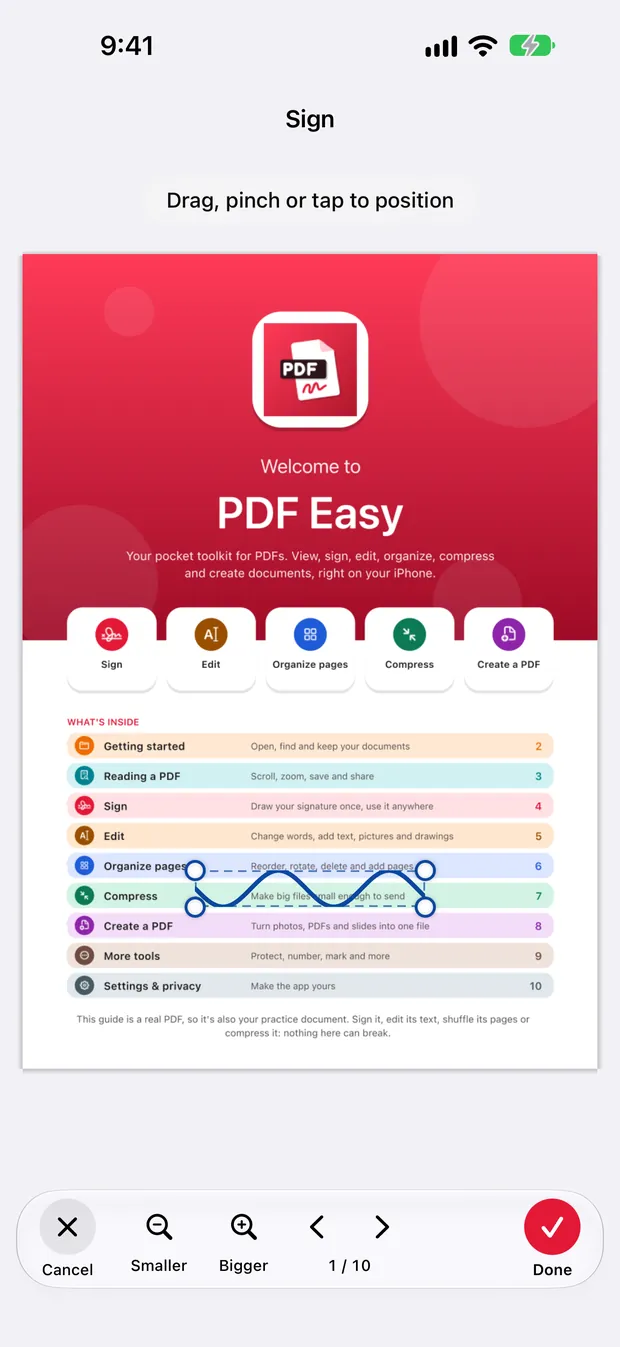
Sign & fill

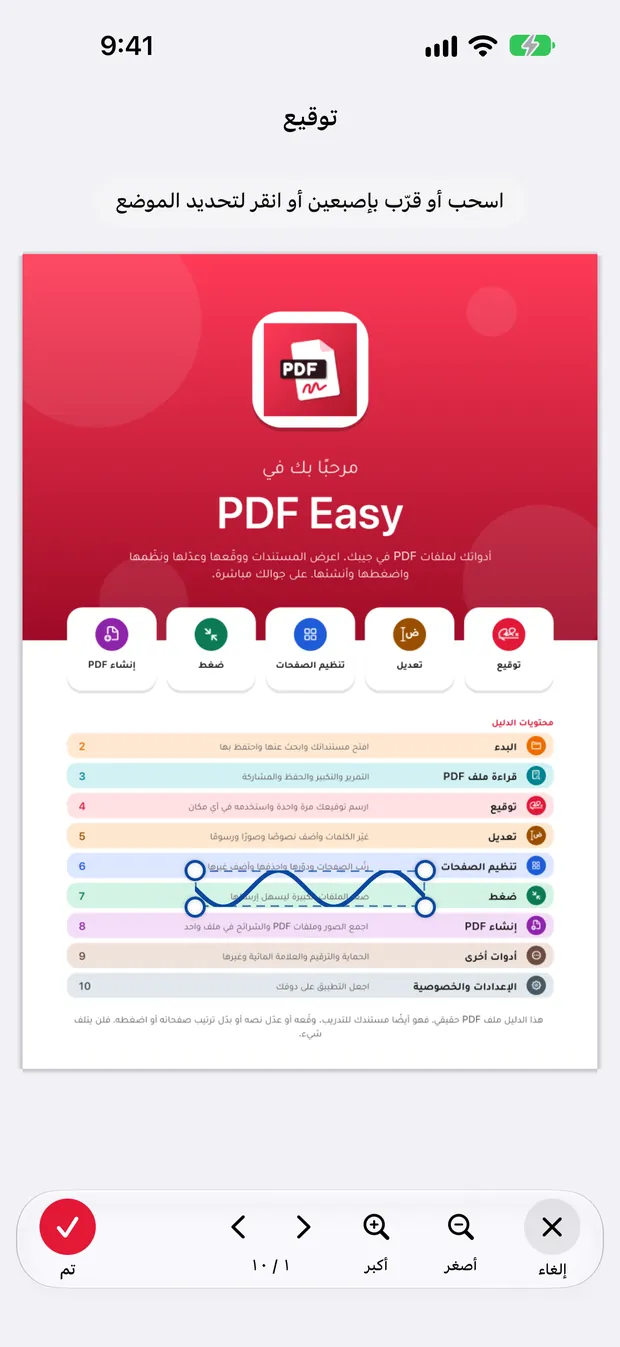
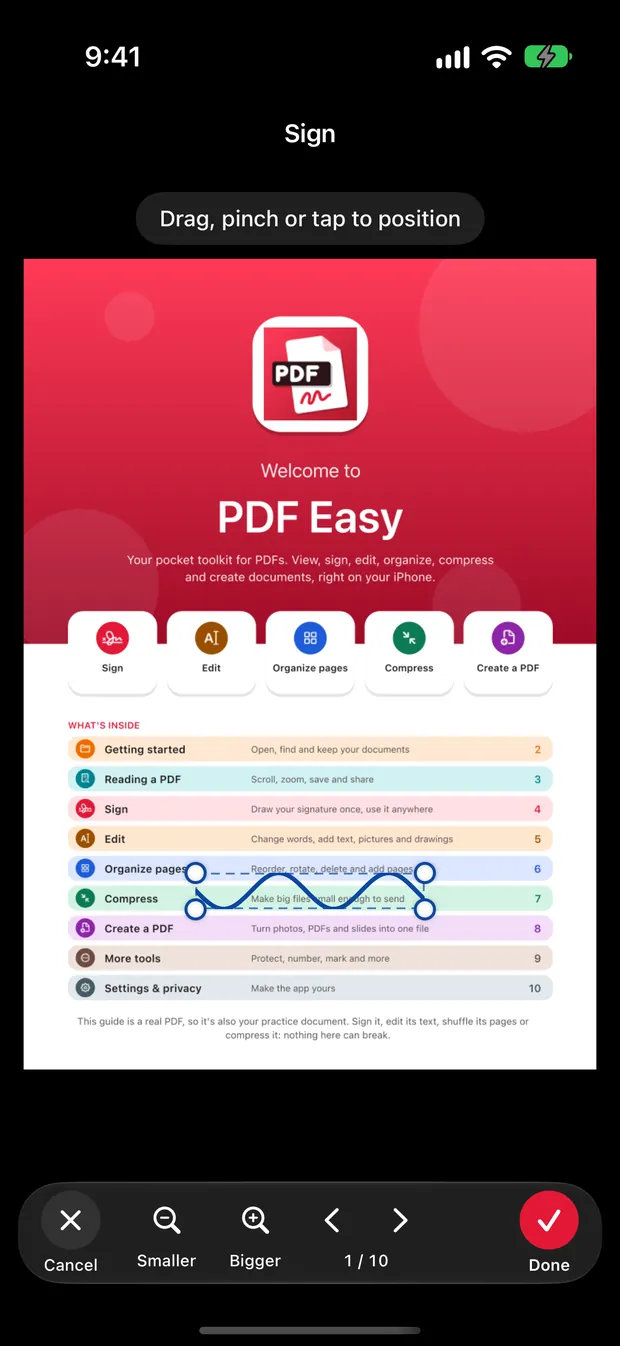
Sign anything in seconds

Draw your signature once, or bring it in from a photo. It's encrypted and kept only on your device.

  • Fill in text fields, checkboxes and choices
  • Signature fields, ready in a tap
  • Send it straight from the app
  • No printing, no scanning
Sign anything in seconds
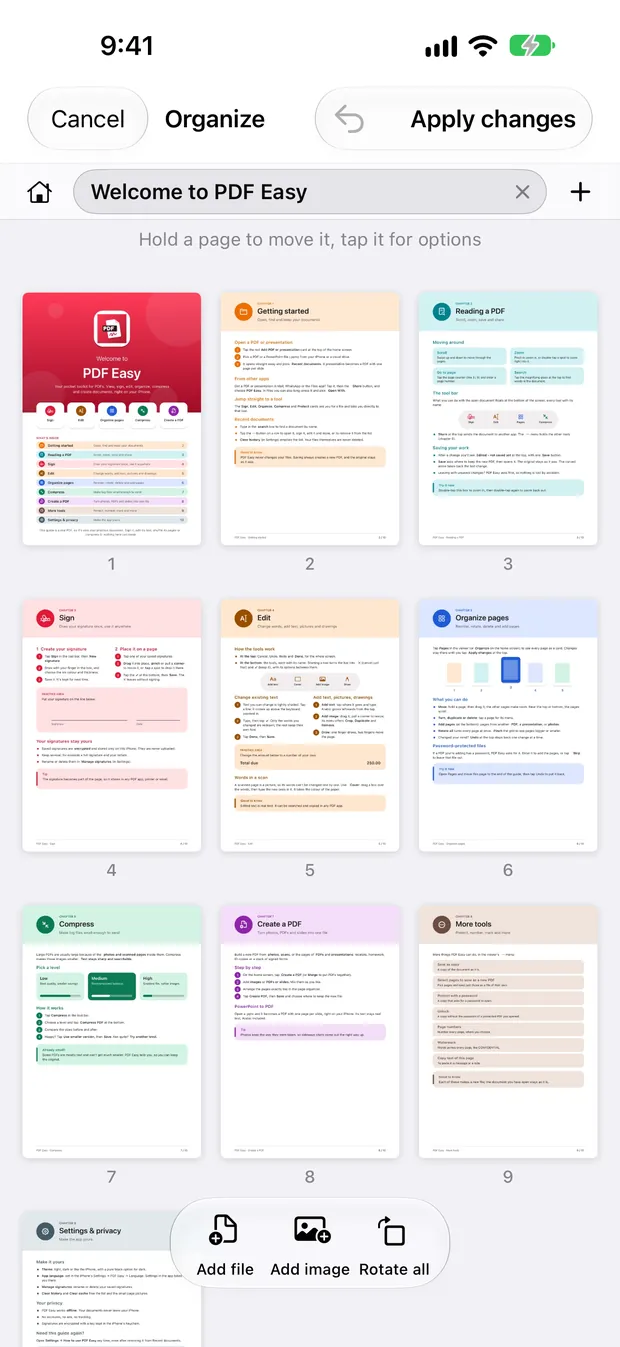
Organize

Your pages, in your order

Drag pages into place, rotate, delete or add them, even from one document to another.

  • Merge several PDFs into one
  • Compress big files to share them
  • Add page numbers or a watermark
  • Protect with a password
Your pages, in your order
Create & convert

Turn anything into a PDF

Photos, Word, PowerPoint and Keynote files become PDFs on your device, without sending them anywhere.

  • Blank, lined and grid pages for notes
  • Folders and colour labels for your documents
  • Beautiful in dark mode
  • Shortcuts actions on iPhone and iPad
Turn anything into a PDF

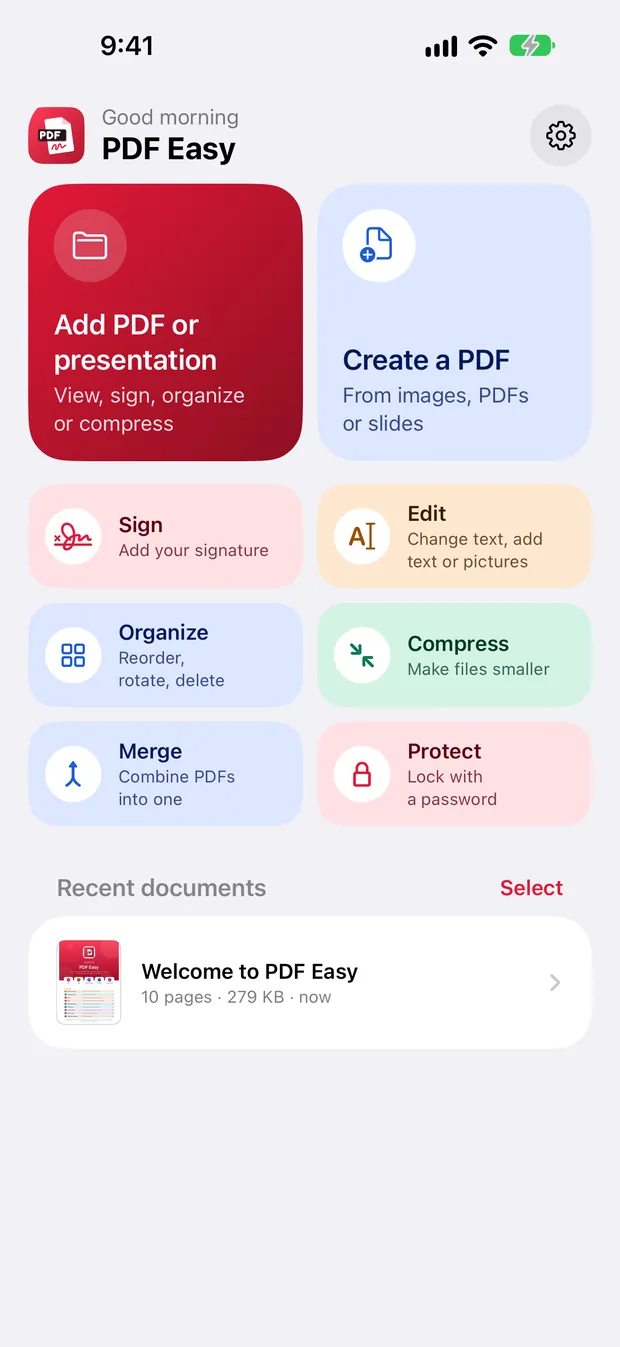
Everything you need.
In one app.

More than 20 tools, all free, all on your device.

Read
Highlight
Sticky notes
Draw
Sign
Fill forms
Edit text
Add pictures
Rearrange pages
Rotate
Merge
Compress
Page numbers
Watermark
Password
Photos to PDF
Word to PDF
PowerPoint to PDF
Search
Night reading
Tabs
Folders
Text from scans
Colour labels
iPad

Even better on iPad

Two pages side by side, Apple Pencil for notes and drawing, Split View next to your other apps, and a presentation mode for slides.

Even better on iPad
العربية

Built for Arabic from day one

Right-to-left done properly: precise selection in Arabic and English, search with or without diacritics, and a fully Arabic interface.

Built for Arabic from day one

PDF Easy vs. typical PDF apps

PDF EasyTypical PDF apps
PriceFree, every featureWeekly or yearly subscription
AdsNoneOften
AccountNot neededOften required
Your filesStay on your deviceOften uploaded to a cloud
WatermarkNeverOn the free plan
OfflineEvery toolOften limited

Questions

Is PDF Easy really free?

Yes. Every feature is free: there is no subscription, no in-app purchase, no ads and no watermark on your files.

Does PDF Easy upload my files?

No. Everything happens on your device. There is no account, nothing is uploaded and nothing is tracked.

Does it work without internet?

Yes. Every tool works offline, so you can read, edit and sign anywhere.

Can I edit the existing text in a PDF?

Yes. You can change the text that's already on the page, such as a typo, a name, a date or an amount, and add new text, pictures and covers.

Can I sign a PDF and fill in forms?

Yes. Draw your signature or bring it in from a photo, then place it on any page. Text fields, checkboxes, choices and signature fields can all be filled in.

Can I convert Word or PowerPoint to PDF?

Yes. Word and PowerPoint files, Keynote on iPhone and iPad, and photos become PDFs on your device.

Does PDF Easy support Arabic?

Yes. Arabic is a core part of the app: a full right-to-left interface, precise text selection, and search with or without diacritics. PDF Easy comes in 14 languages.

Is my original file changed?

No. Your edits are saved as a new file, which you can keep updating. The original stays exactly as it was.

Which devices does it run on?

iPhone and iPad from the App Store, and Android phones and tablets from Google Play.
Your PDFs deserve better.

Free on iPhone, iPad and Android. No ads, ever.

Contact us

A question, an idea or a problem? Write to us and we'll get back to you.

Thank you! Your message has been sent.